
Install and access tokens
The two ways an app gets an access token for a store, and what each parameter means.
An app gets an access token for a store in one of two ways:
- Authorization code, for any app: you send the merchant to Tanqory, the merchant approves, Tanqory sends them back to your redirect URL with a code, and your server exchanges the code. Make your first API call walks through it end to end.
- Token exchange, for an app that opens inside the store dashboard: the dashboard hands your page a session token, and your server exchanges it. See Embedded apps and App Bridge.
Both end with the same kind of token, sent as Authorization: Bearer <token> to https://api.tanqory.com/admin/2026-10/stores/<store id>/graphql.
- Your app server → Merchant Sends the merchant to the authorize address, with state and a PKCE challenge
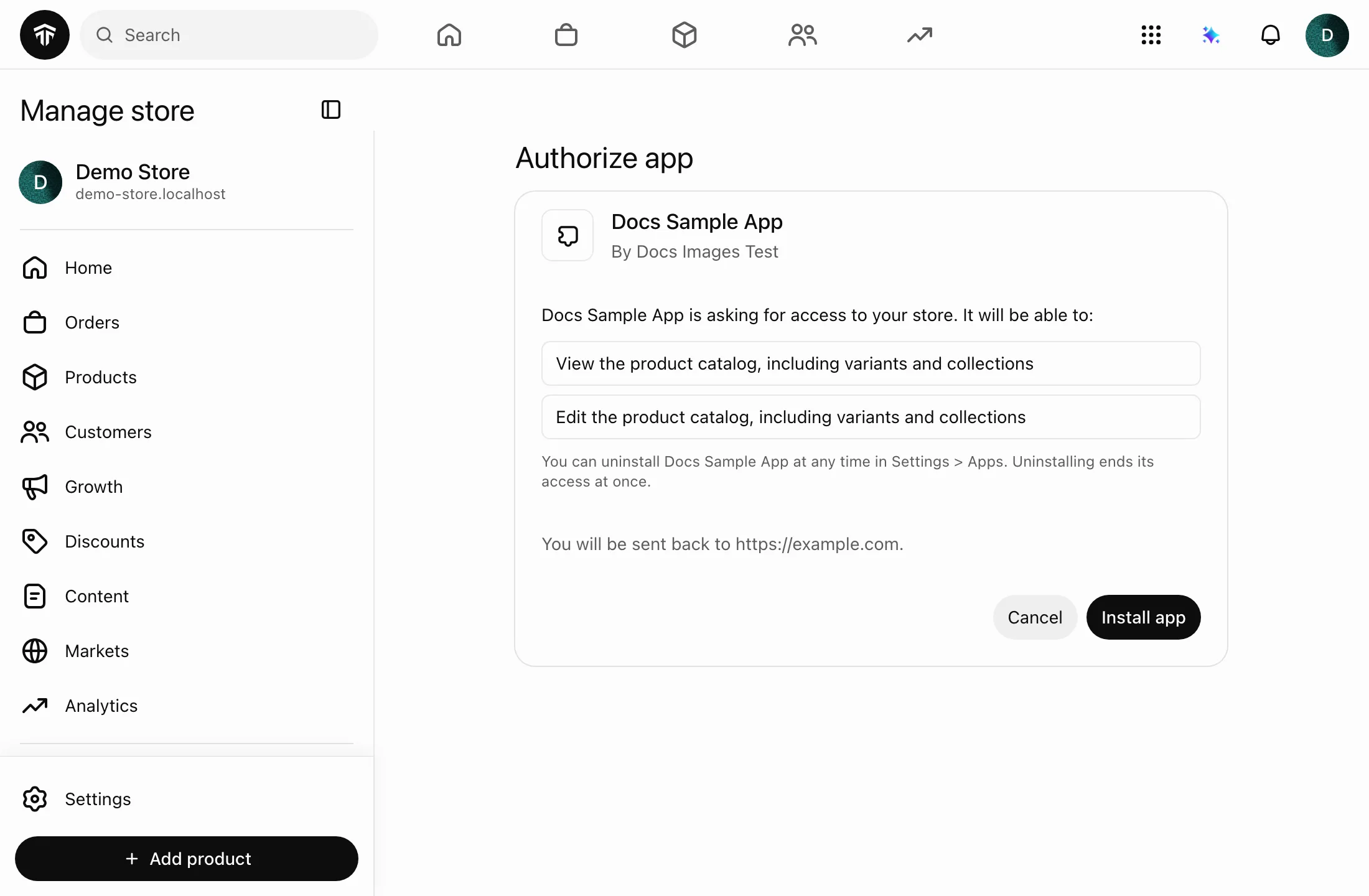
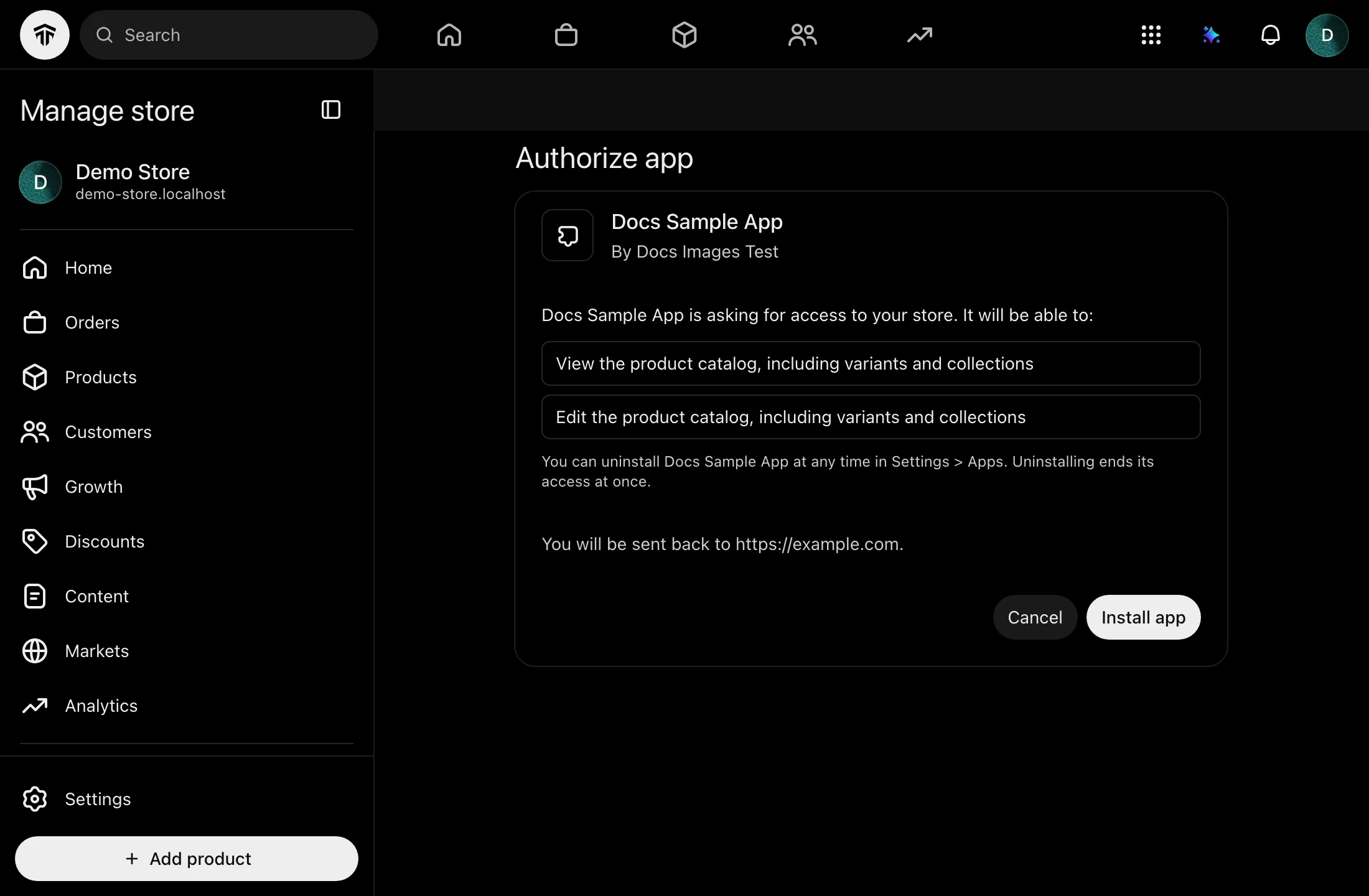
- Merchant → Store dashboard Opens Authorize app
- Store dashboard → Tanqory API Checks the client ID, the redirect URL, the scopes and the S256 challenge
- Merchant → Store dashboard Selects Install app
- Store dashboard → Tanqory API Approves the install
- Tanqory API Saves the install and a one-time code that lasts 5 minutes
- Store dashboard → Your app server Sends the browser to your redirect URL: code, hmac, shop, state, store_id, timestamp
- Your app server Checks state and hmac If not: refuse the request
- Your app server → Tanqory API POST token: code, code_verifier, client secret
- Tanqory API Checks the code: unused, not expired, same redirect URL, matching verifier If not: 400 invalid_grant
- Tanqory API → Your app server access_token, scope, store_id
- Your app server → Tanqory API Admin API calls with Authorization: Bearer
When the install starts in the App Store
A merchant who finds your app in the store dashboard's App store (under Apps) and selects Install app reaches you in one of two ways. Which one depends on your app's Configuration:
- An embedded app whose App URL the dashboard may frame stays in the dashboard. The merchant goes to the dashboard's own install page,
https://admin.tanqory.com/admin/store/<store id>/oauth/install?client_id=<your client ID>, sees what the app asks for and selects Install app. Tanqory makes the installation; the app then opens inside the dashboard, and your backend gets its access token by token exchange (Embedded apps). You can send merchants that same link from your own site. - Any other app is sent to your App URL with four parameters added:
shop(the store's address, for exampleexample-store.mytanqory.com),store_id,timestamp(Unix seconds) andhmac. Checkhmacexactly as for the callback: the hex HMAC-SHA256, keyed with your client secret, of the other parameters sorted by name and joined asname=value&name=value, compared in constant time. Refuse an oldtimestamp(a few minutes is plenty). Then send the merchant to the authorize address for thatstore_id.
An app installed from the App Store is the same installation as one installed from your own link: the same scopes, the same uninstall.
The authorize address
https://admin.tanqory.com/admin/store/<store id>/oauth/authorize, with:
| Parameter | Value |
|---|---|
client_id | your app's client ID |
scope | the scopes to grant, separated by commas, for example read_products,write_products |
redirect_uri | one of the redirect URLs in Configuration, exactly |
state | a random value you keep, to match the callback to this request |
code_challenge | base64url of the SHA-256 of your code verifier |
code_challenge_method | S256 |
The merchant sees Authorize app with your app's name, your organization and what the app will be able to do. Install app sends them to your redirect URL. When the app is already installed and you ask for more scopes, the button reads Allow access; asked again for the same scopes, it reads Continue.
The callback
Your redirect URL receives code, hmac, shop, state, store_id and timestamp. Refuse the request unless:
stateis the value you made for this install;hmacis the hex HMAC-SHA256, keyed with your client secret, of the other parameters sorted by name and joined asname=value&name=value(the check is in step 4 of the first call), compared in constant time.
The token endpoint
POST https://api.tanqory.com/v1/stores/<store id>/apps/oauth/token, form encoded (application/x-www-form-urlencoded).
| Grant | Fields |
|---|---|
| Authorization code | client_id, client_secret, grant_type=authorization_code, code, code_verifier, redirect_uri |
| Token exchange | client_id, client_secret, grant_type=urn:ietf:params:oauth:grant-type:token-exchange, subject_token (the session token), subject_token_type=urn:ietf:params:oauth:token-type:id_token, requested_token_type=urn:tanqory:params:oauth:token-type:offline-access-token |
A successful answer is HTTP 200 with access_token, token_type (Bearer), scope and store_id; a token exchange also returns issued_token_type. A failure is an OAuth error body (RFC 6749 section 5.2):
| Status | Body |
|---|---|
| 400 | {"error":"invalid_grant","error_description":"The authorization code is not valid."} (an unknown code, or one issued to another store or app) |
| 400 | {"error":"invalid_grant","error_description":"The authorization code has expired."} |
| 400 | {"error":"invalid_grant","error_description":"The authorization code was already used. Everything issued with it has been revoked."} (see below) |
| 400 | {"error":"invalid_grant","error_description":"code_verifier does not match the code_challenge."} (or redirect_uri is not the one the code was issued for) |
| 401 | {"error":"invalid_client","error_description":"The client id or secret is not valid."} |
An authorization code works once. Sending a used code again is refused, and the access token issued with that code stops working at once, as RFC 6749 section 4.1.2 asks of a server that sees a code used twice: a second use means the code may have leaked. Exchange each code exactly once, and if your server retries a request whose answer it lost, start a new install instead of resending the code.
This address is not part of the /v1 retirement: it answers without Deprecation or Sunset headers, and it stays where it is.
Using the token
- Send it only from your server, as
Authorization: Bearer <token>. - Each request is checked against the scopes the merchant granted. An operation outside them answers
ACCESS_DENIED(see Errors). - Name a version in the URL:
/admin/2026-10/. See Versioning. - Read
currentAppInstallation { accessScopes { handle } }to see what the store granted your app.