
Embedded apps and App Bridge
Open your app inside the store dashboard, talk to the dashboard with App Bridge, and authenticate each request with a session token.
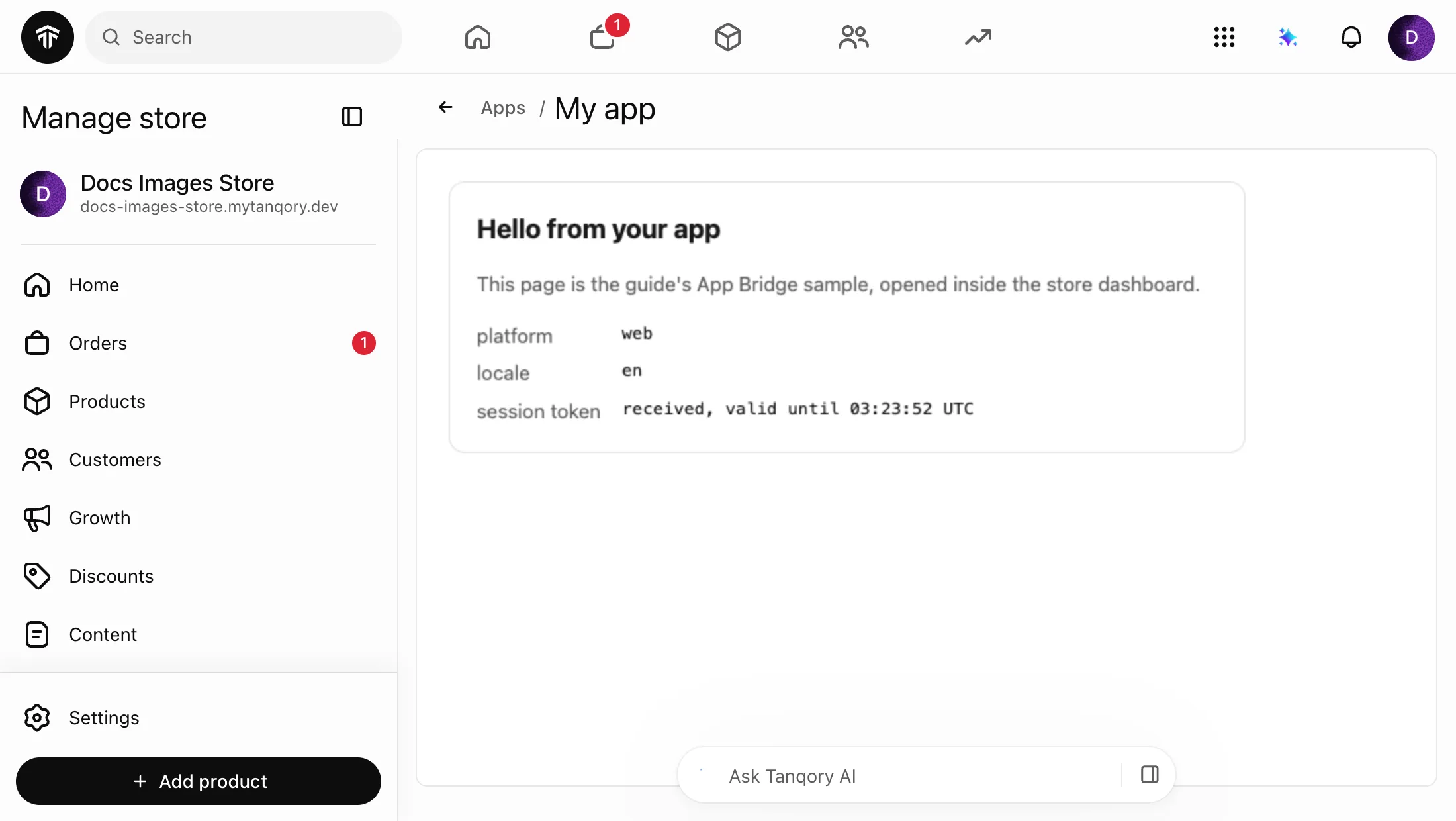
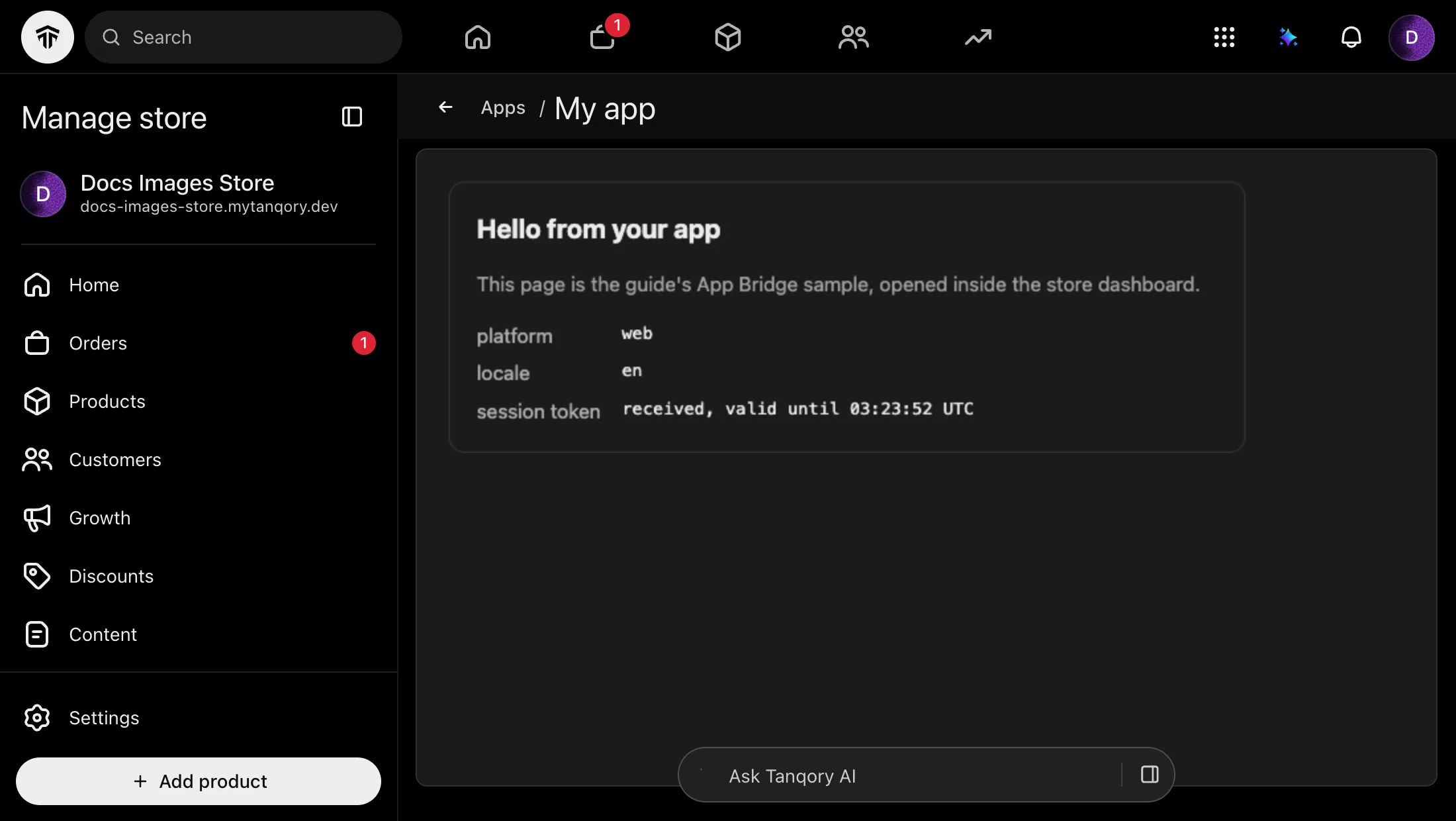
An embedded app opens inside the store dashboard, under Apps, in a frame that loads your App URL. Your page talks to the dashboard with App Bridge, a small message protocol over postMessage, and proves who is using it with a short-lived session token.
Turn it on in Configuration with Open inside the store admin (it is on for a new app).
- Store dashboard → Tanqory API Asks to launch your app (the merchant opened it under Apps)
- Tanqory API → Store dashboard App URL and a first session token (ES256, 60 seconds)
- Store dashboard → Your app page (in the frame) Frames your App URL with store, host, locale, embedded, id_token
- Your app page (in the frame) → Store dashboard App Bridge: ready
- Store dashboard → Your app page (in the frame) platform, storeId, locale, features
- Your app page (in the frame) → Store dashboard App Bridge: sessionToken.get
- Store dashboard → Tanqory API Asks for a fresh session token
- Store dashboard → Your app page (in the frame) token, expiresAt
- Your app page (in the frame) → Your app server Your request, with Authorization: Bearer <session token>
- Your app server → Tanqory API GET /apps/session-keys.json (keep it 5 minutes)
- Your app server Checks the signature, issuer, audience and expiry If not: 401
- Your app server → Tanqory API Token exchange, once per store
- Tanqory API → Your app server Offline access token for the store
What the frame receives
The dashboard loads your App URL with these query parameters:
| Parameter | Value |
|---|---|
store | the store id |
host | base64url of the dashboard address that framed you, for example https://admin.tanqory.com/admin/store/<store id> |
locale | the member's language, such as en or th |
embedded | 1 |
id_token | a session token, so your server can trust the first page load |
Every page of your app must allow only the dashboard to frame it:
Content-Security-Policy: frame-ancestors https://admin.tanqory.comTalk to the dashboard
App Bridge messages are JSON objects with protocol: "tanqory-app-bridge" and version: 1. A request carries an id, a type and a payload; the dashboard answers once, with replyTo set to that id and either ok: true and a payload, or ok: false and an error. The code below needs no library; load it as a module (<script type="module">).
// App Bridge, protocol version 1, with no library: the page runs inside the dashboard's frame.
const PROTOCOL = 'tanqory-app-bridge';
const DASHBOARDS = ['https://admin.tanqory.com'];
const params = new URLSearchParams(location.search);
const host = atob(params.get('host').replace(/-/g, '+').replace(/_/g, '/'));
const hostOrigin = new URL(host).origin;
if (!DASHBOARDS.includes(hostOrigin)) throw new Error('Not opened by the Tanqory dashboard');

const pending = new Map();
let seq = 0;
function bridge(type, payload = {}) {
  return new Promise((resolve, reject) => {
    const id = `r${++seq}`;
    pending.set(id, { resolve, reject });
    window.parent.postMessage({ protocol: PROTOCOL, version: 1, kind: 'request', id, type, payload }, hostOrigin);
  });
}
window.addEventListener('message', (event) => {
  if (event.source !== window.parent || event.origin !== hostOrigin) return;
  const m = event.data;
  if (!m || m.protocol !== PROTOCOL || m.kind !== 'response') return;
  const call = pending.get(m.replyTo);
  if (!call) return;
  pending.delete(m.replyTo);
  if (m.ok) call.resolve(m.payload);
  else call.reject(new Error(m.error?.message ?? 'App Bridge error'));
});

const info = await bridge('ready', { clientVersion: 'my-app-1.0' });
await bridge('titleBar.set', { title: 'My app' });
const { token } = await bridge('sessionToken.get');
// Send the token to your server with each request: Authorization: Bearer <token>
ready answers with the protocol version, platform (web), the storeId, the locale and the features the dashboard supports:
| Request | Payload | Does |
|---|---|---|
ready | { clientVersion } | Starts the conversation; send it first |
sessionToken.get | {} | Returns { token, expiresAt }, a fresh session token |
titleBar.set | { title, breadcrumb?, primaryAction?, secondaryActions? } | Sets the dashboard's page header above your frame |
toast.show | { message, isError?, durationMs? } | Shows a short message |
modal.open | { title, message, primaryAction?, secondaryAction? } | Asks the merchant; answers which button was pressed |
loading.set | { loading } | Shows or hides the dashboard's loading bar |
navigation.update | { path, replace? } | Moves the dashboard's address with your page |
redirect.admin | { path, newContext? } | Opens a page of the store dashboard |
redirect.remote | { url, newContext? } | Leaves the dashboard for an https address |
resourcePicker.open | { resourceType, multiple?, query? } | Lets the merchant pick products, collections or customers your scopes can read |
context.get | {} | The store's currency, time zone and the dashboard's color scheme |
saveBar.show, saveBar.hide | { saving? }, {} | The dashboard's save bar while your form has unsaved changes |
scanner.capture | { formats?, prompt? } | A barcode or QR code |
files.pick | { accept?, multiple?, source? } | Files the merchant picks, uploaded to the store's staged storage |
print.open | { path? } | Prints a page of your app |
The last five are host capabilities: see Host capabilities for what each answers, the device features to declare and where each works.
The frame cannot navigate the whole tab, open browser dialogs or print: use redirect.remote, modal.open and print.open instead.
Check the session token on your server
A session token is a JWT signed with ES256 and valid for 60 seconds. Its claims say which store (store_id) and which member (sub) the request is for. It is not an access token: it only proves who is using your page. Check it on every request:
// Verifies an App Bridge session token on your server. Node.js 18 or later.
import { createPublicKey, verify } from 'node:crypto';

const API = 'https://api.tanqory.com';
const CLIENT_ID = process.env.TANQORY_CLIENT_ID;

export async function verifySessionToken(jwt) {
  const [h, c, s] = jwt.split('.');
  const header = JSON.parse(Buffer.from(h, 'base64url'));
  const claims = JSON.parse(Buffer.from(c, 'base64url'));
  if (header.alg !== 'ES256' || header.typ !== 'tanqory-app-session+jwt') throw new Error('not a session token');
  const { keys } = await (await fetch(`${API}/apps/session-keys.json`)).json(); // cache this for 5 minutes
  const jwk = keys.find((k) => k.kid === header.kid);
  if (!jwk) throw new Error('unknown key');
  const key = createPublicKey({ key: jwk, format: 'jwk' });
  const ok = verify('sha256', Buffer.from(`${h}.${c}`), { key, dsaEncoding: 'ieee-p1363' }, Buffer.from(s, 'base64url'));
  const now = Date.now() / 1000;
  if (!ok) throw new Error('bad signature');
  if (claims.iss !== API || claims.aud !== CLIENT_ID) throw new Error('wrong issuer or audience');
  if (claims.exp < now - 5 || (claims.nbf && claims.nbf > now + 5)) throw new Error('expired');
  return claims; // store_id, sub (the member), dest
}
Get an access token without a redirect
When the merchant opens your embedded app, exchange the session token once for the store's access token and keep it. This works for an app the merchant installed from the dashboard, with no redirect URL involved:
curl -X POST "https://api.tanqory.com/v1/stores/$STORE_ID/apps/oauth/token" \
  --data-urlencode "client_id=$TANQORY_CLIENT_ID" \
  --data-urlencode "client_secret=$TANQORY_CLIENT_SECRET" \
  --data-urlencode "grant_type=urn:ietf:params:oauth:grant-type:token-exchange" \
  --data-urlencode "subject_token=$SESSION_TOKEN" \
  --data-urlencode "subject_token_type=urn:ietf:params:oauth:token-type:id_token" \
  --data-urlencode "requested_token_type=urn:tanqory:params:oauth:token-type:offline-access-token"
The answer has access_token, token_type (Bearer), issued_token_type, scope and store_id. Use it as in Make your first API call.
When your app doesn't load
The dashboard checks that your App URL answers before it shows the frame, from the merchant's own browser:
- Your server doesn't answer at all (the host name no longer exists, the connection is refused, or there is no answer within 15 seconds): the merchant sees "<your app> can't be reached" with Try Again, not your frame.
- Your server answers, but your page hasn't sent App Bridge
readywithin 10 seconds: the frame stays, with "<your app> is taking a while to load" above it. Sendreadyas soon as your page starts.