
Create a development store
A free store for testing your apps and themes, with sample products, orders and customers if you want them.
A development store is a real Tanqory store that belongs to your organization. Charges your app makes there are test charges, and nothing is billed.
Create one
- In the partner dashboard, open Dev stores and select Create dev store.
- Fill in Store name. Store address is made from the name; change it if you like. The store's web address becomes
<address>.mytanqory.com. - Choose the Country.
- Under Used for, keep Testing (a free store that is never transferred). Client build is for a store you build for a merchant and later hand over.
- Tick Start with sample data to get products, orders and customers you can delete later.
- Select Create dev store.
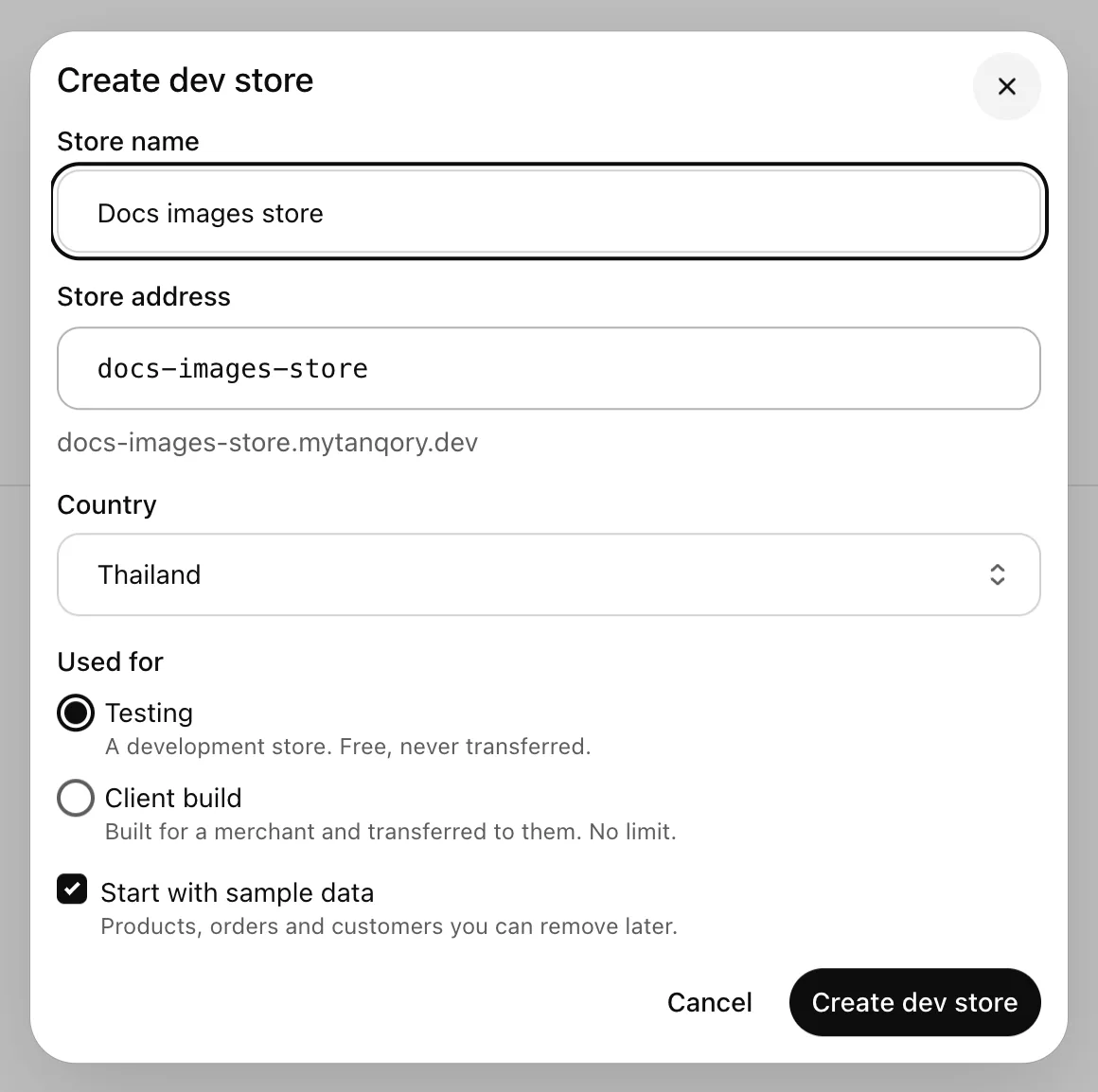
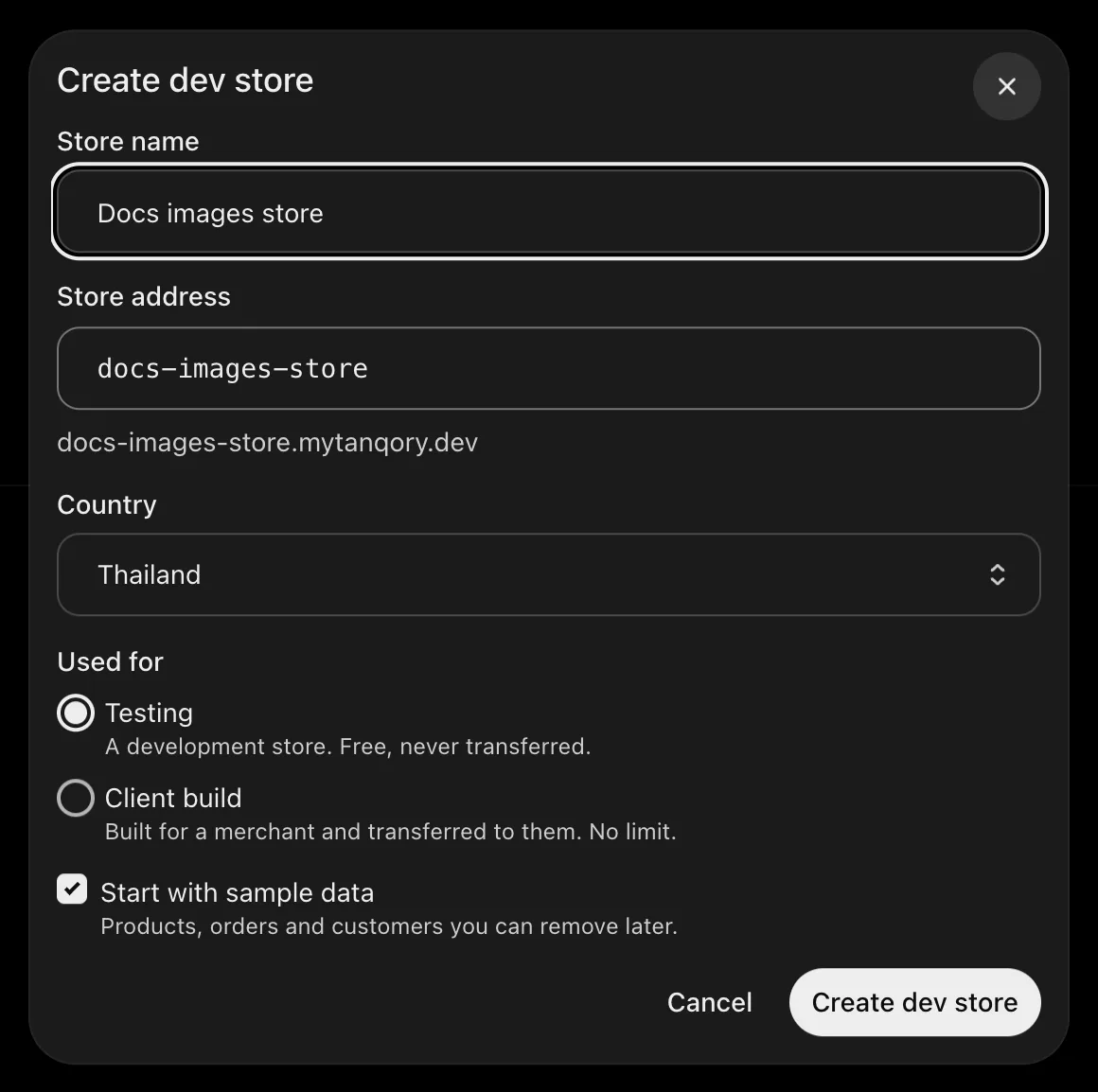
The store is listed as Active; sample data takes a few seconds. Your organization can keep up to 10 development stores open.
Open it
Select Open next to the store. The store dashboard opens at https://admin.tanqory.com/admin/store/<store id>. The store id in that address is the one the Admin API takes.
Next
Make your first API call against this store.