
Create a partner account
Sign up with your email address and create the partner organization your apps and themes belong to.
Everything you build for Tanqory belongs to a partner organization: its apps, themes, development stores, earnings and team. You sign in with a personal Tanqory account and create or join an organization.
Sign up
- Open the partner dashboard. It sends you to Log in or sign up.
- Enter your Email address and select Continue with email.
- Open the email "Your Tanqory code". Either type the 6-digit code and select Verify code, or open the email's sign-in link in the same browser and select Continue to Tanqory. The code works once and expires after 10 minutes.
- The first time, fill in First name and Last name, then select Create account.
- You are offered a passkey. Select Add passkey to sign in faster next time, or Skip for now.
You are back on the partner dashboard, which asks you to create your partner organization.
Create your organization
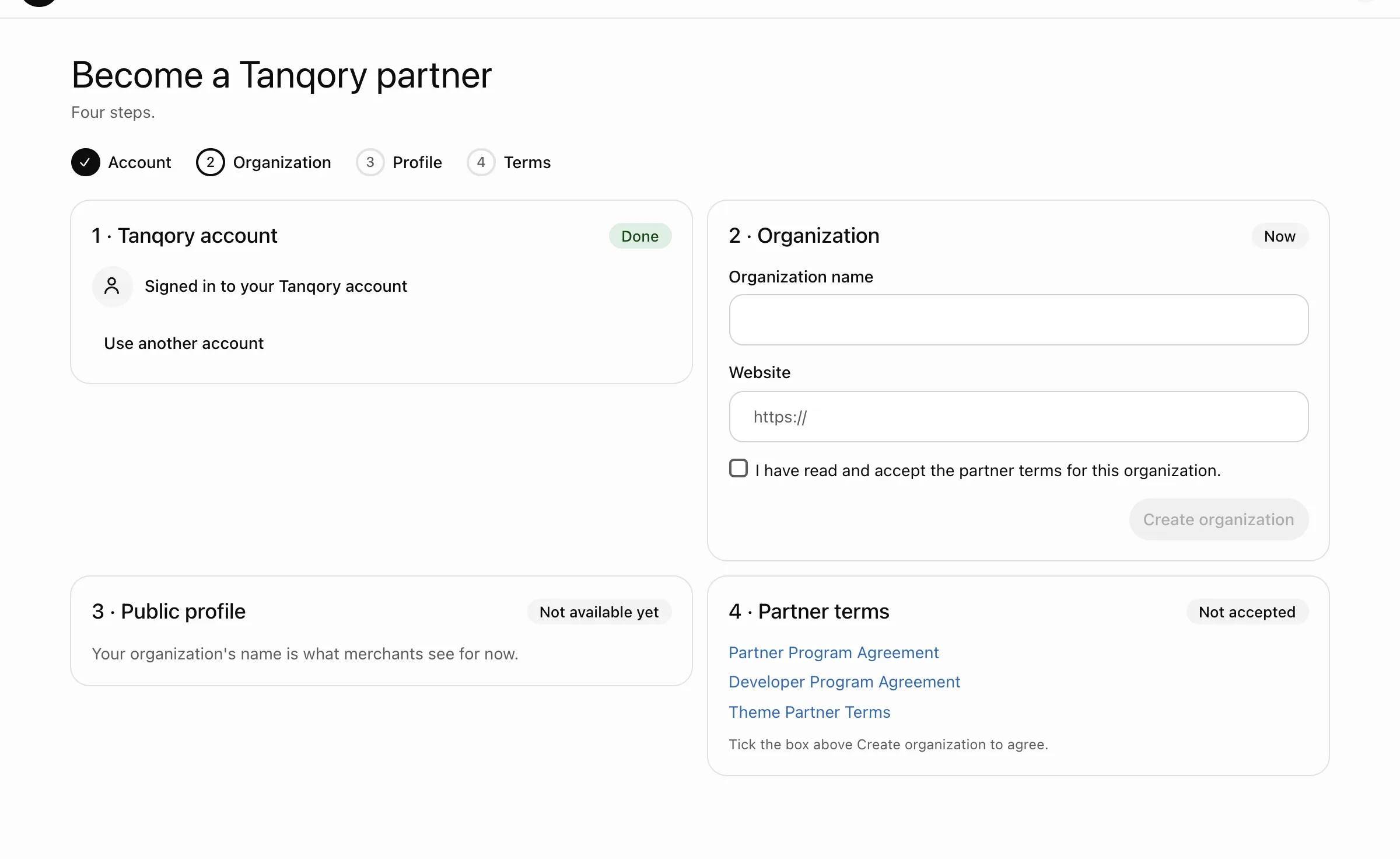
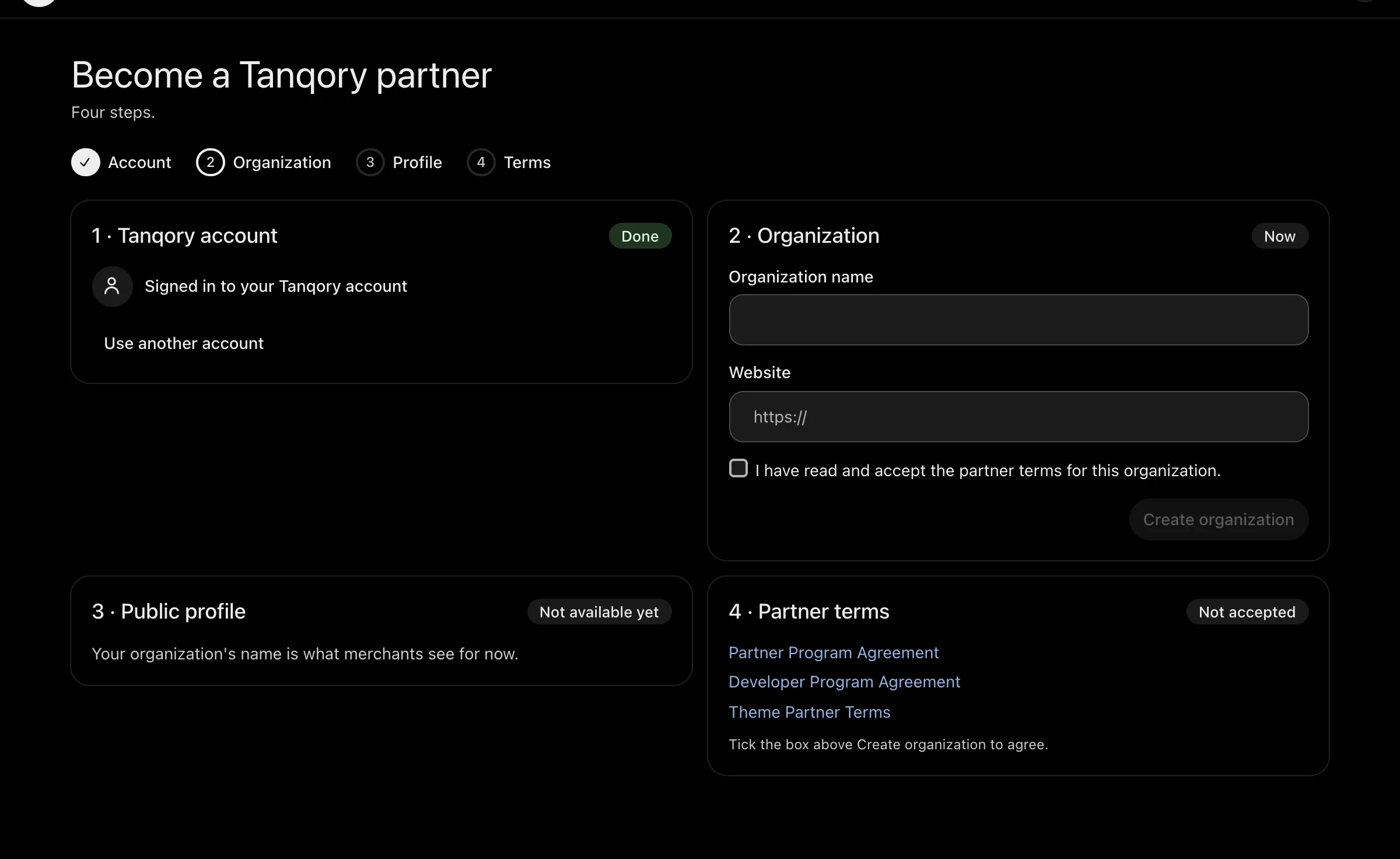
- Select Create organization.
- Fill in Organization name and Website.
- Read the Partner Program Agreement, the Developer Program Agreement and the Theme Partner Terms listed on the page, then tick I have read and accept the partner terms for this organization.
- Select Create organization.
The overview greets you by name and shows a setup checklist: create a development store, create an app or theme, install it, set up payouts, invite your team and submit for review.
Invite your team
Open Team, select Invite member, and choose a role. The invitation link works once, for 7 days, and only for the invited address.
| Role | Can do |
|---|---|
| Owner, Admin | Everything, including submitting listings, payouts and the team |
| Developer | Build apps, themes and development stores |
| Viewer | See apps, themes and development stores |
| Finance | See earnings and payouts |
Next
Create a development store to install and test what you build.